 Tutorial
Archived
Language Coding
Learn to translate Zoo Tycoon 2 animal names and Zoopedia entries using language XML files.
- Zoo Tycoon 2
- Scripting
- Reading time
- 8 min
- Comments
- 0
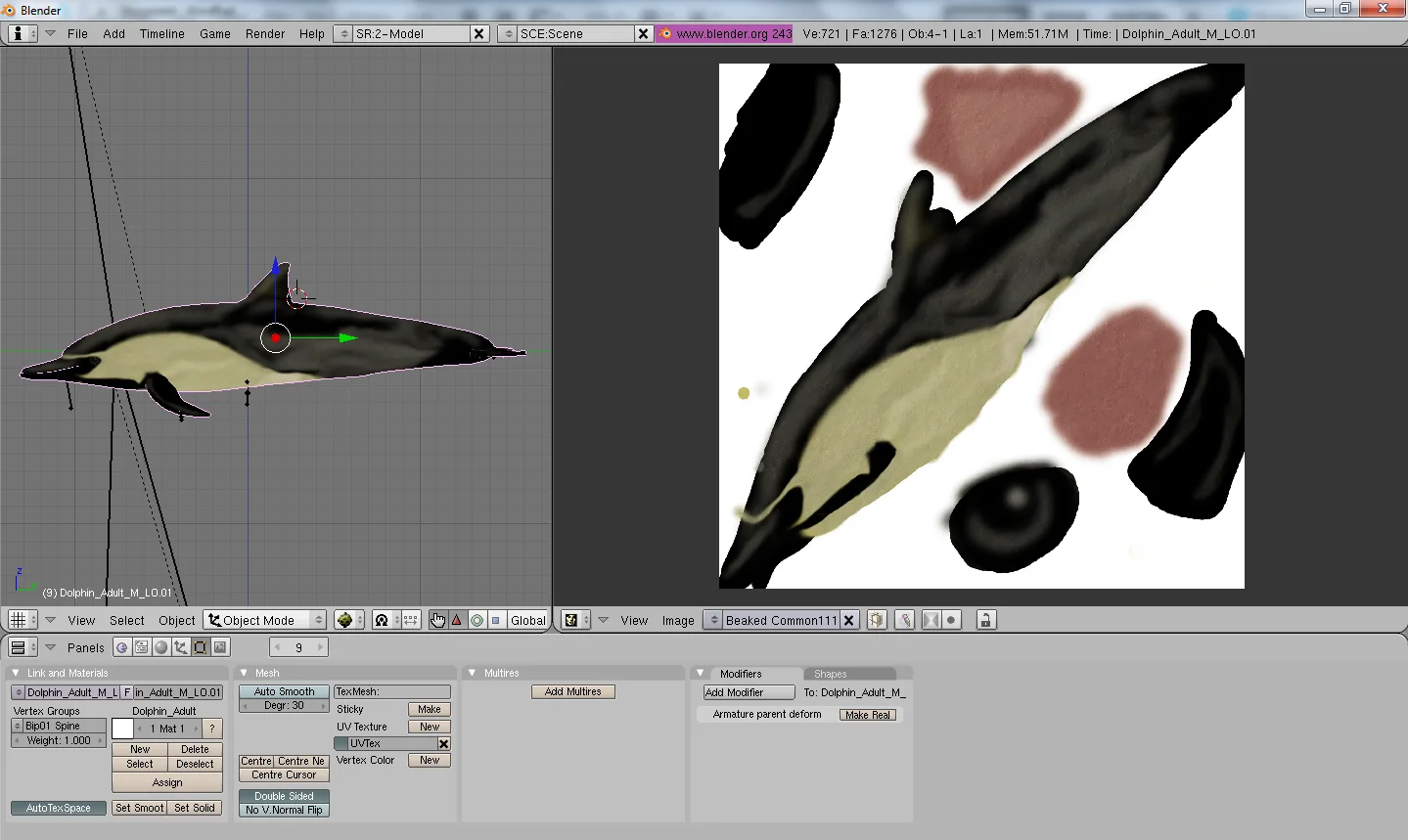
by Kasatka
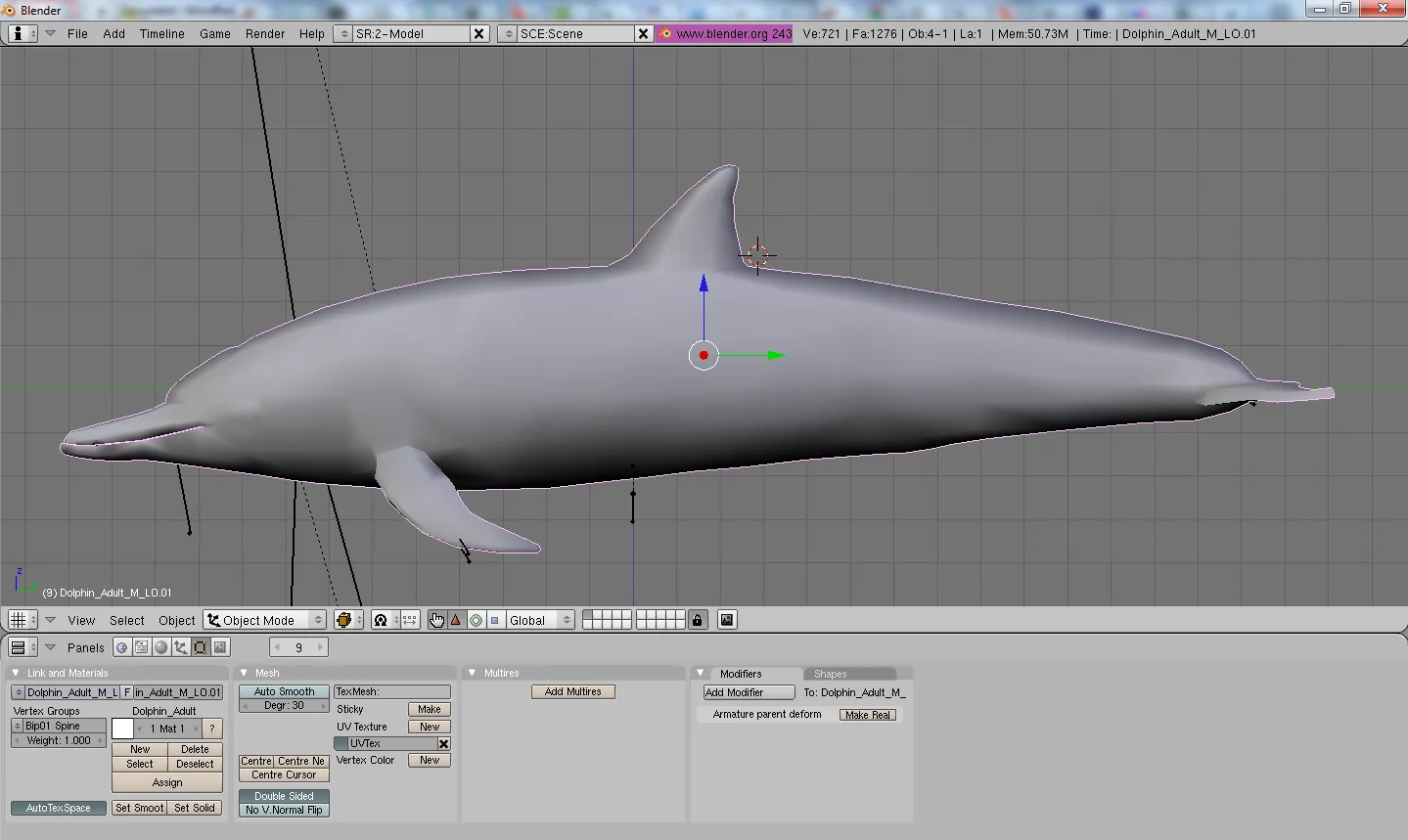
First of all start by opening your model in blender and setting it to side view by hitting 3 on the NUMPAD.
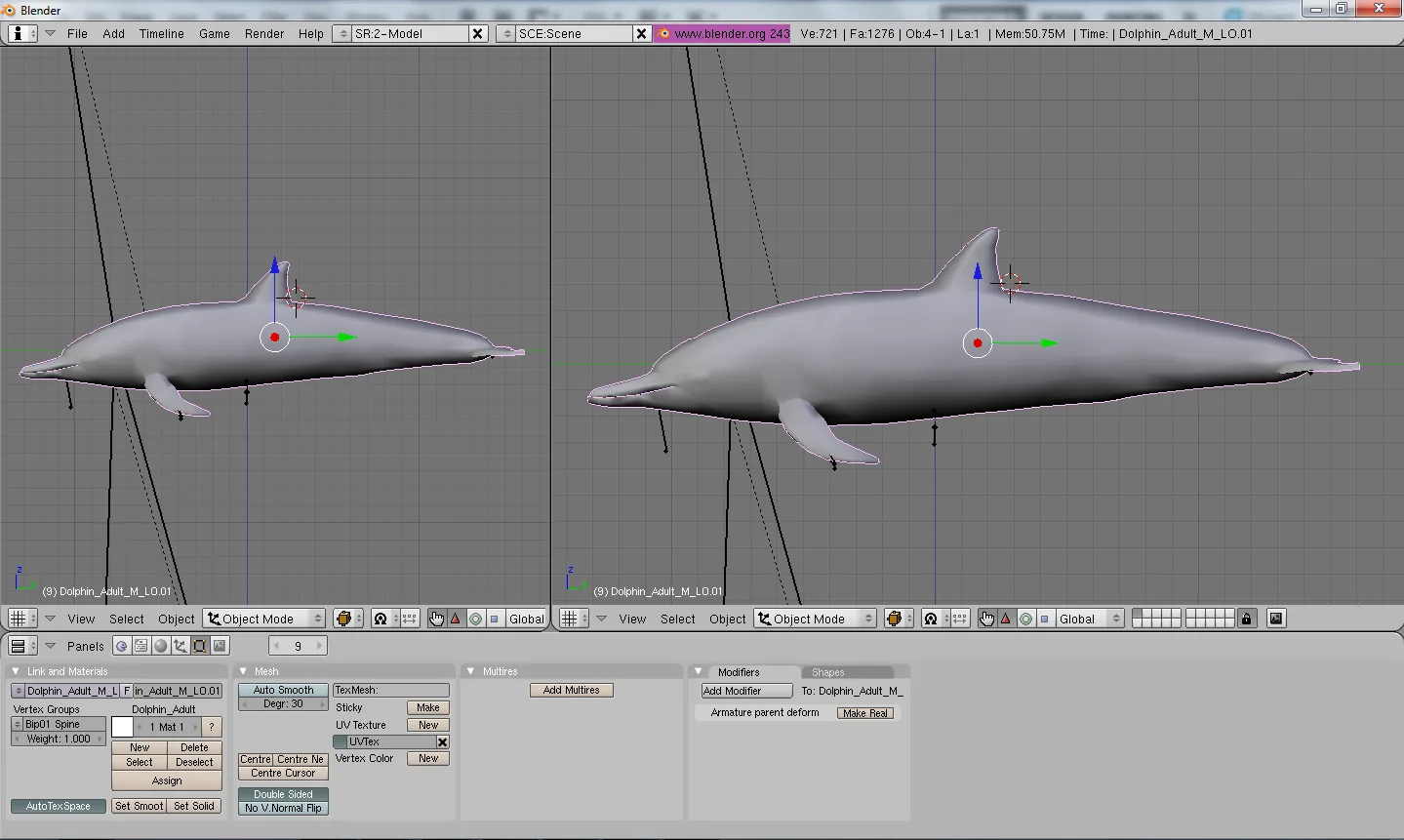
Next, split your screen by going by the purple bar and right clicking and selecting ‘split area’.
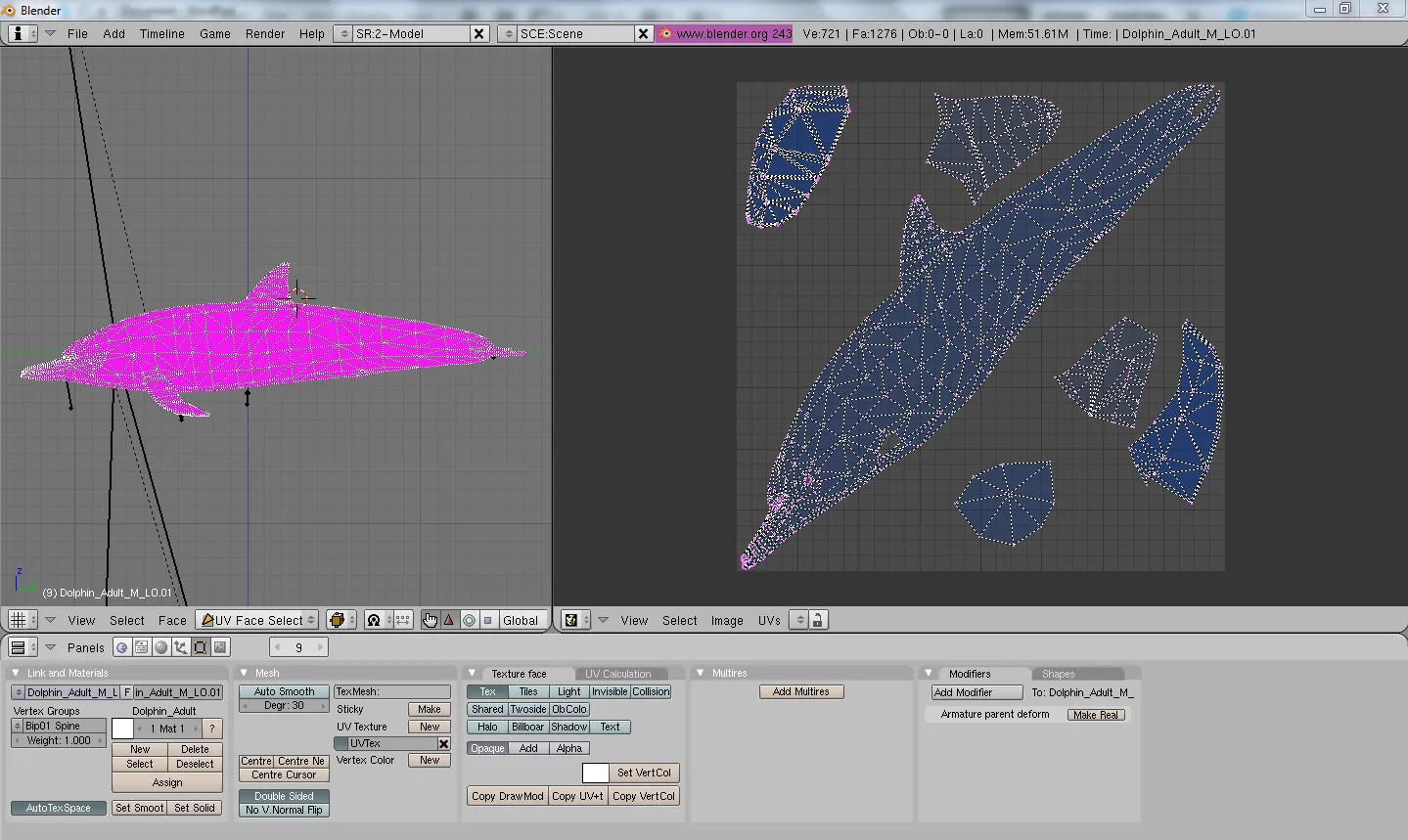
Set the LEFT screen to ‘UV FACE SELECT’ by going down to the right of the button ‘FACES’ and set the RIGHT screen to UV/IMAGE EDITOR, by clicking the little box with the graph (mine is a face cause I set it to ‘UV image editor’.)

Find this button on the ‘UV/IMAGE editor’ screen.
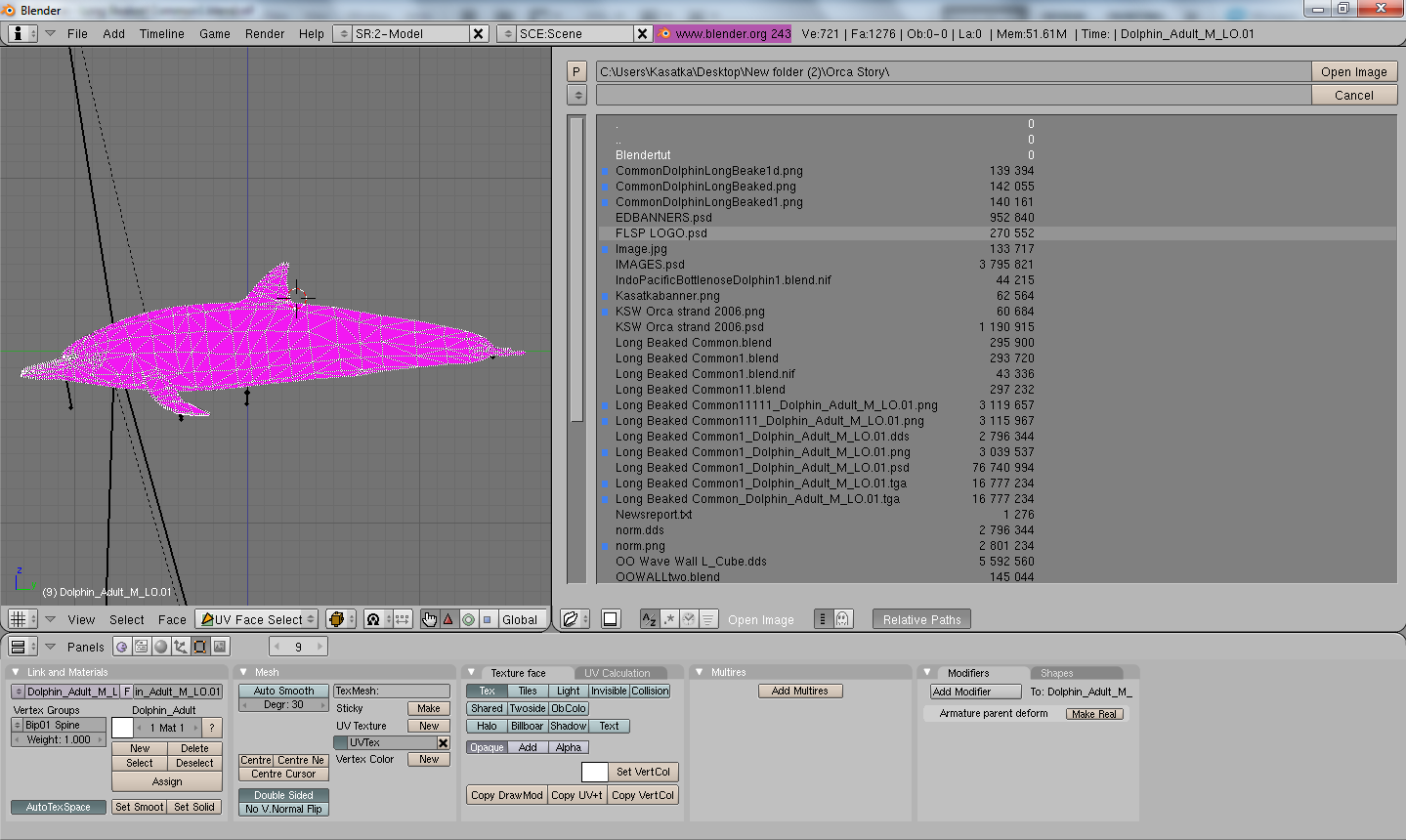
Once you have gotten the image right click the image name and click, open.
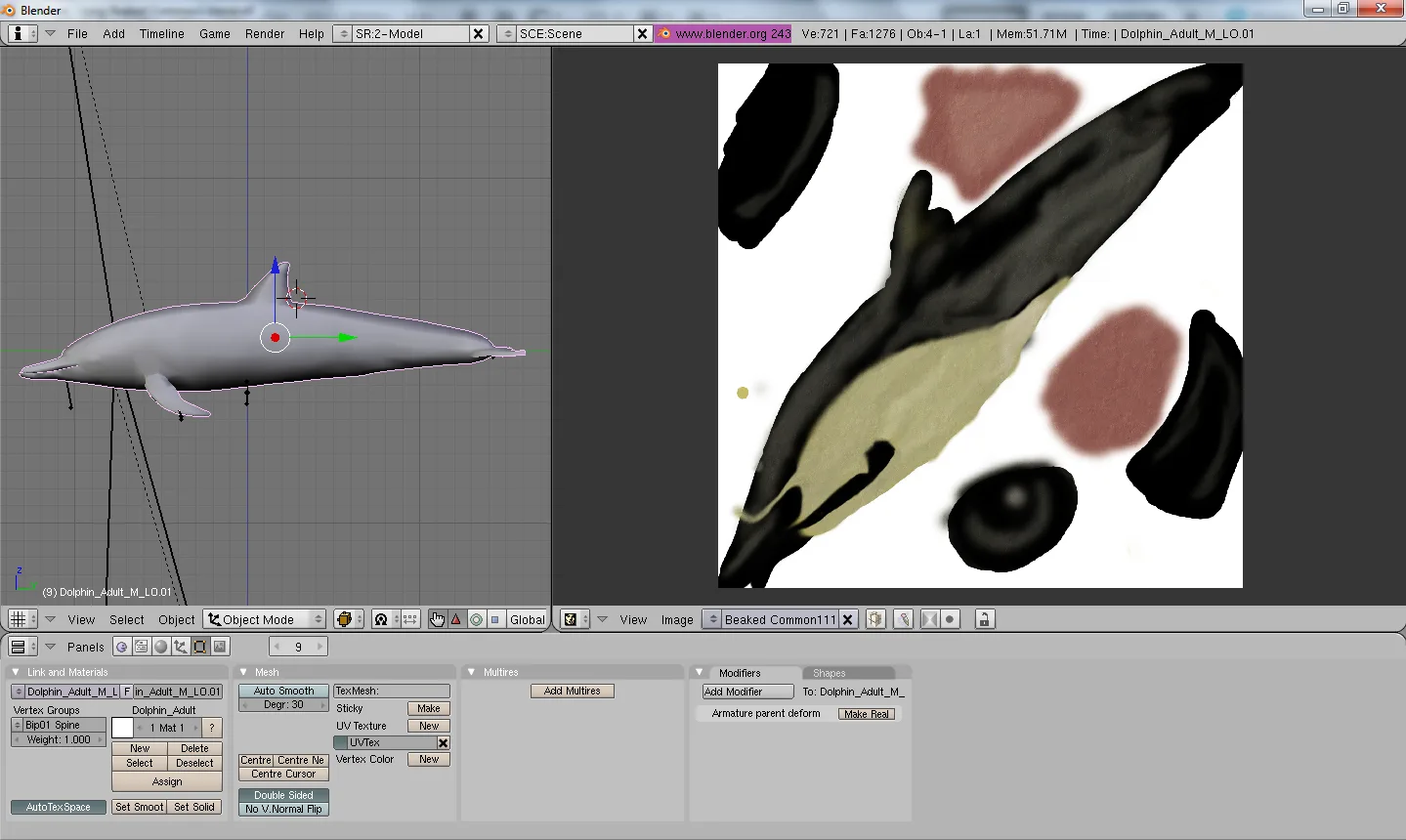
Now you should see something like this.

Go to ‘Draw type’ which is on the right next to ‘UV FACE SELECT’ and select ‘Textured.
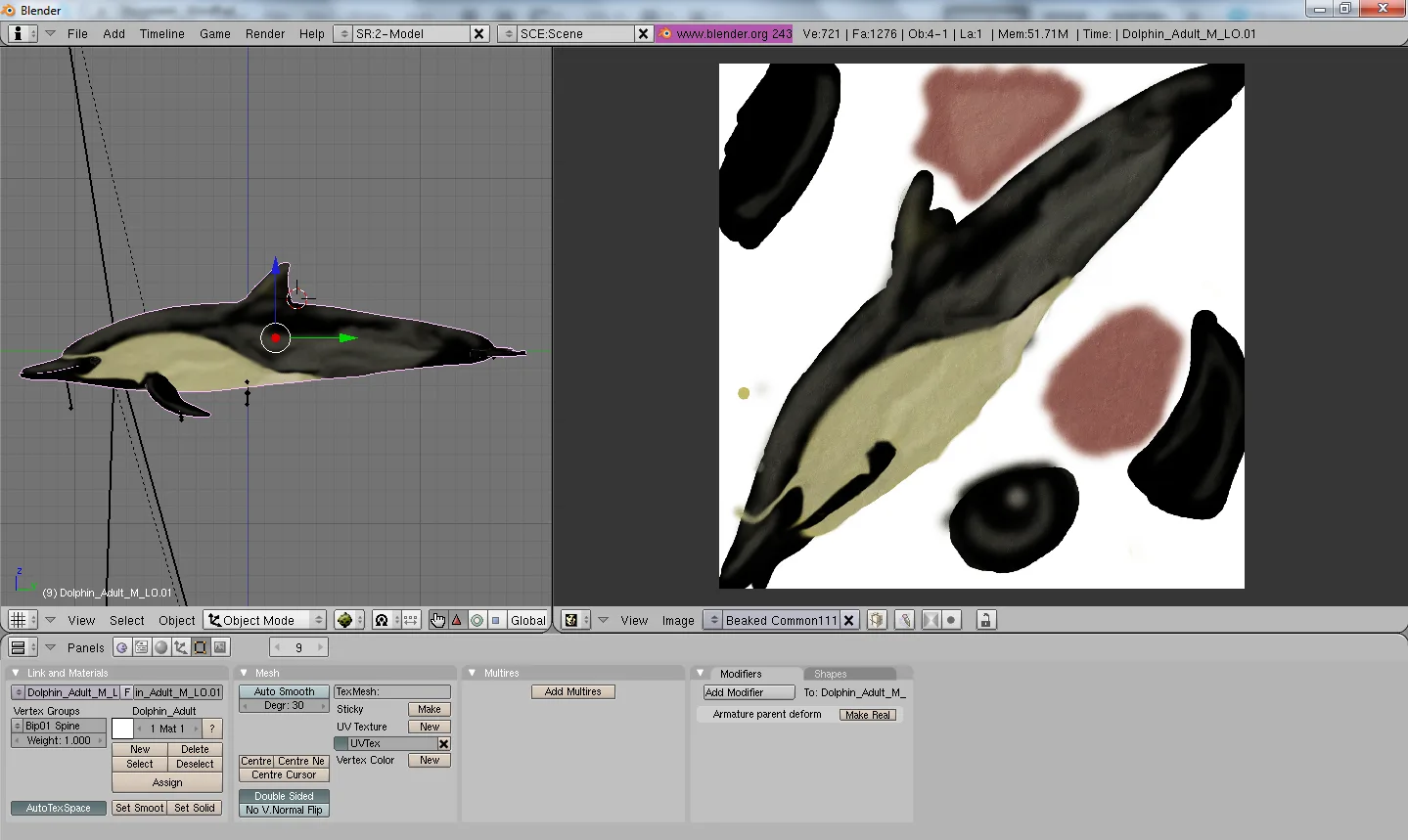
Now you should be able to see your skin on your model.
Tutorial
Archived
Learn to translate Zoo Tycoon 2 animal names and Zoopedia entries using language XML files.
 Tutorial
Archived
 Tutorial
Archived
by Ghost
Learn to disable animal cleaning and make animal waste invisible and odorless.
Comments 0
Log in to join the conversation.
No comments yet.